Why Is My Business Not Getting Leads From Google Ads? (Chennai Business Owner's Checklist)
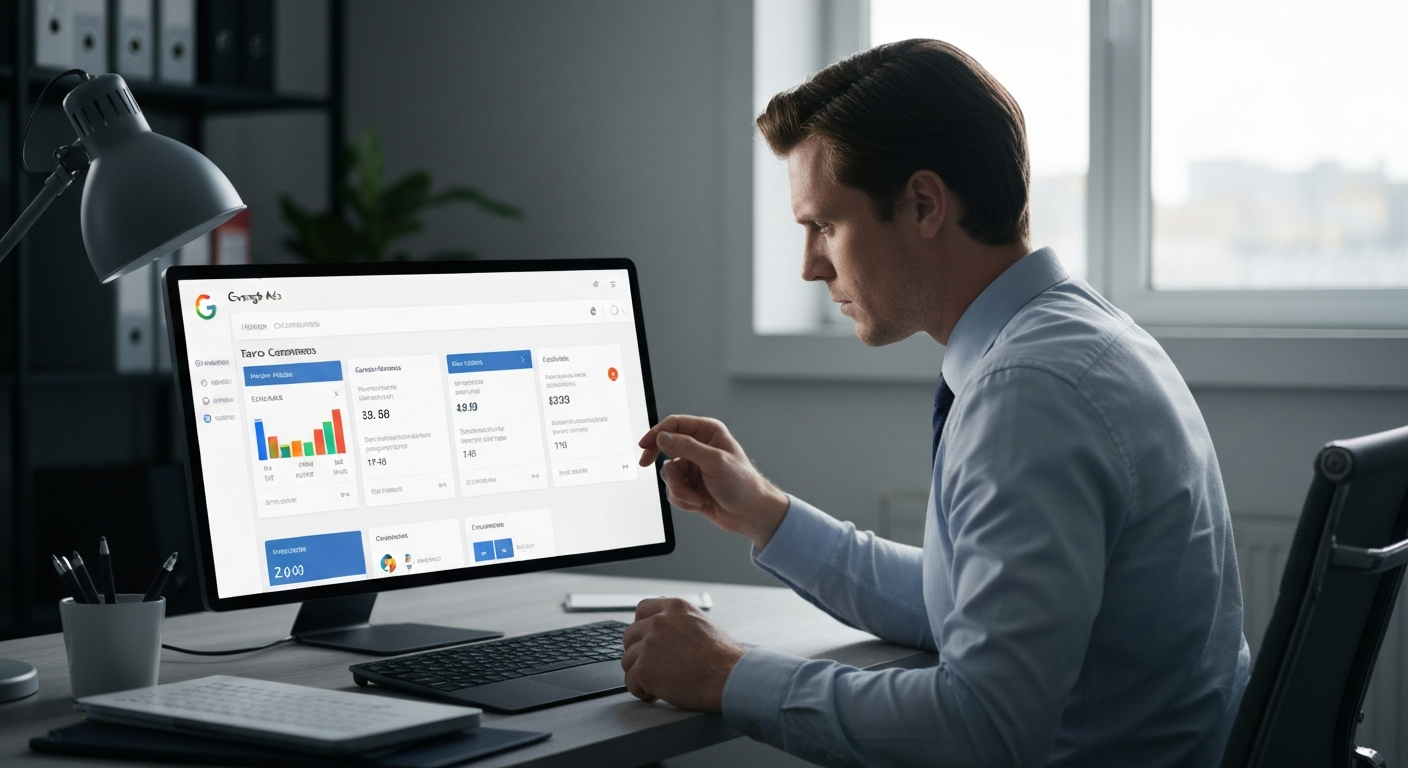
If your business is not getting leads from Google Ads, you are almost certainly not alone — and the problem is almost certainly not Google. You are spending money. Clicks are coming in. But your enquiry inbox is empty, your phone is not ringing, and your sales team has nothing to follow up on. This guide on why businesses are not getting leads from Google Ads will walk you through the 9 most common reasons it happens, give you a practical self-audit checklist built specifically for Chennai business owners, and show you exactly what to fix first.
The short answer: Google Ads campaigns fail to generate leads for one of three core reasons — the campaign is attracting the wrong traffic, the landing page is not converting the right traffic, or conversions are happening but not being tracked. But within each of those three buckets are specific, fixable problems. Let us go through all of them.
The Reality of Google Ads in India in 2026
Before we diagnose what is broken, it helps to understand what good performance actually looks like in the Indian market.
In 2026, the cross-industry average conversion rate for Google Ads Search campaigns is between 4.40% and 7.04% — a meaningful boost from prior years, driven by better AI-matched landing page experiences. If your campaign is converting at under 2%, something specific is broken.
The average Google Ads conversion rate across industries sits at 8.18%, according to WordStream's 2026 benchmark report. If your campaign falls far below that, something is broken.
For Indian businesses specifically, the cost environment is favourable but requires careful management. The average India Google Ads CPC is ₹8–25 depending on industry, while real estate Google Ads CPC in India ranges from ₹40–120, making it the most competitive vertical.
Hindi and regional language ads in India consistently achieve 15–25% higher CTR than English-only ads for consumer-focused verticals — especially in healthcare, education, and FMCG. Most Chennai businesses running English-only ads are leaving that advantage on the table.
Here is the key point: the problem is rarely that "Google Ads doesn't work." The problem is usually a specific, diagnosable leak in your funnel.
The Self-Audit Checklist: 9 Reasons Your Google Ads Are Not Generating Leads
Work through this checklist honestly. For every item that applies to your current campaign, treat it as an active leak draining your budget.
❌ Problem 1: You Are Targeting the Wrong Keywords (or Using Broad Match)
This is the single most common reason Chennai business owners waste their Google Ads budget. Broad match keywords often pull in clicks that have nothing to do with your offer. A plumber bidding on "pipe" alone might pay for searches about smoking pipes. Tight, intent-driven keywords cost more per click but convert far better.
In 2026, Google's default settings aggressively push Broad Match keywords. While Google claims their AI can understand context better than ever, for small to mid-sized businesses, Broad Match is often a budget killer. If you bid on "interior design services," Broad Match might show your ad for searches that have nothing to do with hiring you — and you pay for all those clicks.
What to do:
- Open your Search Terms Report inside Google Ads.
- Identify every irrelevant search term your ad appeared for.
- Switch to Phrase Match or Exact Match for your core keywords.
- Review your search terms report weekly. Add irrelevant terms as negative keywords right away.
❌ Problem 2: You Have No Negative Keyword List
Negative keywords are the most underused lever in Google Ads. Without them, your ads show for searches like "free interior design," "interior design jobs," "interior design courses," and "what is interior design." Every one of those clicks costs you money and delivers zero enquiries.
If you see words like "free," "job," "course," "salary," or "definition" in your Search Terms Report, add them to your Negative Keyword list instantly. This stops the bleeding.
What to do:
- Build a negative keyword list before you spend another rupee.
- Include intent-killers: free, cheap, course, college, salary, jobs, review, tutorial, DIY, what is.
- Review and expand your list every week as new irrelevant terms appear.
❌ Problem 3: Your Ad Copy Does Not Match What the Searcher Wants
A Google Ads low conversion rate often starts with ad copy that doesn't match what people typed. If someone searches "emergency plumber near me," your headline should say exactly that. Generic ads like "Quality Plumbing Services" lose to specific, urgent copy. Match your headline to the searcher's exact words whenever possible.
Ads that say "Best Quality Products" or "Call Us Today" do not convert. Your prospective customer sees dozens of ads. If yours does not immediately address their pain, show your advantage, and give them a reason to click over your competitor — they will not. Generic ads get generic results.
What to do:
- Write one ad group per keyword theme — not one ad for everything.
- Use the searcher's exact words in your headline.
- Lead with a benefit, a number, or a specific outcome. ("Book a Free Site Visit in 24 Hours" beats "Leading Real Estate in Chennai.")
- Test urgency, special offers, and trust elements like reviews or guarantees in the ad and on the landing page.
❌ Problem 4: You Are Sending Traffic to Your Homepage
Sending ad traffic to a homepage is one of the most expensive and common mistakes in PPC advertising.
The problem: your ad promises a specific solution. The user clicks. They land on a generic homepage that talks about your company, your mission, your awards. They leave. The data shows: homepage landing pages convert at 0.5–2% for B2B. Dedicated landing pages convert at 5–15%.
What to do:
- Build a dedicated landing page for every campaign or keyword group.
- The headline of the landing page should restate the headline of the ad, almost word for word.
- Remove the navigation menu from your landing page. Give visitors one choice: fill the form or call.
- Include your phone number, a WhatsApp button, a short form (name, phone, requirement), social proof, and a clear next step.
❌ Problem 5: Your Landing Page Is Slow or Not Mobile-Optimised
In 2026, user patience is at zero. If a user clicks your ad and doesn't see exactly what they expected within 2 seconds, they bounce. This is called Message Match failure.
Mobile dominates: 68% of all Google Ads clicks come from mobile devices. If your landing page is not mobile-optimised or loads slowly on a 4G connection, you are losing the majority of your paid traffic before they even read your headline.
Google's Core Web Vitals now track Interaction to Next Paint (INP). If your "Book Now" button lags or your mobile page shifts while loading, Google will quietly increase your CPC as a penalty for poor user experience.
What to do:
- Run your landing page through Google PageSpeed Insights.
- If your score is below 80 on mobile, your developer needs to fix it immediately.
- Compress images, remove unnecessary scripts, and use a fast hosting provider.
- Test your page on a mobile device on a standard 4G connection — not just on your office Wi-Fi.
❌ Problem 6: Your Conversion Tracking Is Broken
This is the silent killer. You might actually be getting leads — but your tracking is not recording them. As a result, Google's Smart Bidding algorithm has no signal to optimise from, so it optimises for the wrong thing.
If conversions are tracked incorrectly, you may think you have no leads when you do. Verify Google Ads conversion tags, Google Analytics goals, and phone call tracking. Accurate data is the foundation of improvement.
Use Google Tag Assistant to walk through your own form submission and call button like a real visitor. If the conversion event doesn't fire, or your Conversions column shows "no recent conversions," the tag needs repair before anything else is optimised.
What to do:
- Submit your own lead form right now. Check if the thank-you page loads and if a conversion fires.
- Set up phone call tracking through Google Ads Call Extensions.
- If you qualify leads over WhatsApp, set up offline conversion imports so Google learns from real sales signals — not just form fills.
❌ Problem 7: You Switched to Smart Bidding Too Early
Smart Bidding (specifically Maximise Conversions or Target CPA) outperforms Manual CPC for lead generation once a campaign has logged at least 30 conversions in the previous 30 days. Below that volume, Manual CPC or Maximise Clicks gives the algorithm time to gather signal without spending against thin data. Switching to Smart Bidding too early is one of the most common reasons campaigns appear to "stop working" after a strategy change.
What to do:
- If you have fewer than 30 conversions in 30 days, use Manual CPC or Maximise Clicks.
- Only switch to Target CPA or Maximise Conversions after you have consistent, accurately tracked conversion data.
- New campaigns enter a 7–14 day learning phase during which Google's algorithm gathers performance data. Optimising too early resets this learning and delays results.
❌ Problem 8: Your Geo-Targeting Is Wrong
Many Chennai business owners set up their campaigns targeting "India" or "Tamil Nadu" — and their budget gets spent on clicks from Bangalore, Mumbai, and Delhi from people who will never become customers.
"Presence or interest" targeting is Google Ads' default. It shows your ads to anyone interested in your location — not just people physically in it. For local services, switch to "Presence" only.
India peak search hours are 10am–12pm and 7pm–10pm IST. B2B searches peak 11am–2pm on weekdays. Scheduling ads around these windows reduces wasted spend on low-intent off-peak traffic.
What to do:
- Set your location targeting to the specific areas you serve — Chennai, or specific zones like OMR, Anna Nagar, Velachery, T. Nagar.
- Change location targeting from "Presence or interest" to "Presence only."
- Add an ad schedule to focus your budget during peak buying hours.
❌ Problem 9: You Have No Follow-Up System for the Leads You Do Get
This one surprises most business owners. Your Google Ads might actually be working. But the leads that come in — the ones who fill the form at 9pm or click your WhatsApp button on a Sunday — are going cold because nobody follows up within the critical window.
Research consistently shows that the first 5 minutes after a lead enquires is the highest-conversion window. A lead that does not hear from you within that window is already looking at your competitor's ad.
This is exactly where most Chennai businesses leak revenue — not at the ad level, but at the response level. Running paid ads without an automated follow-up system is like pouring water into a bucket with a hole in it.
What to do:
- Set up an instant WhatsApp auto-reply for every new lead the moment they submit a form.
- Use an automated follow-up sequence that contacts the lead on Day 1, Day 3, Day 7, and Day 14.
- Track every lead in a CRM pipeline so nothing slips through.
- If you cannot respond within 5 minutes, automate the first response so the lead feels acknowledged immediately.
The Full 9-Point Self-Audit Checklist
Print this. Go through it honestly for your current Google Ads campaign.
| # | Audit Point |
|---|---|
| 1 | Are you using Phrase or Exact Match keywords (not broad match)? |
| 2 | Do you have a negative keyword list with at least 20–30 terms? |
| 3 | Does your ad copy specifically match what the searcher typed? |
| 4 | Are you sending traffic to a dedicated landing page (not your homepage)? |
| 5 | Does your landing page score above 80 on Google PageSpeed (mobile)? |
| 6 | Is your conversion tracking firing correctly on form submissions and calls? |
| 7 | Do you have 30+ conversions/month before using Smart Bidding? |
| 8 | Is your geo-targeting set to "Presence only" in your specific service area? |
| 9 | Do you have an automated follow-up system that responds to leads within 5 minutes? |
Score: If you answered NO to 3 or more of these, your campaign has active leaks that are costing you real money every day.
Why Most Chennai Businesses Focus on the Wrong Fix
The most common mistake is increasing ad spend when results are poor. A low daily budget can suppress lead volume, but it is rarely the root cause when leads are zero rather than just low. If the campaign is showing impressions and getting clicks at a normal cost per click, budget is not the constraint.
The fix is not to spend more — the fix is to build the right system around your ads.
The chain looks like this: a prospect searches → sees your ad → clicks → lands on a page → decides to enquire → submits a form → waits for a response. It is a chain of small misalignments between what the user searches, what the ad promises, what the landing page delivers, and what the tracking captures. Break the chain in the wrong place and you waste weeks of optimisation.
How RevMax AI Helps You Close the Follow-Up Gap
Fixing your ad setup is only half the battle. The other half is what happens to the lead after they enquire. Most Chennai businesses lose leads not because the ads failed — but because nobody followed up fast enough, consistently enough, or across the right channels.
RevMax AI, a product of Revenue Mastery Consulting, plugs this gap automatically. The moment a lead fills your Google Ads form:
- A WhatsApp message fires back within 60 seconds — at any hour of the day or night.
- The AI qualifies the lead by asking the right questions: budget, timeline, requirement.
- The lead is tagged Hot, Warm, or Cold in your CRM automatically.
- A structured follow-up sequence runs on Day 1, Day 3, Day 7, and Day 14 — without anyone on your team lifting a finger.
You fix the ad. RevMax fixes the follow-up. That is how you stop losing leads you already paid for.
Frequently Asked Questions
Why am I getting clicks on my Google Ads but no leads?
The three most common reasons are: your landing page doesn't match your ad's promise, your keywords are attracting research-intent traffic rather than buying-intent traffic, or your conversion tracking is broken so you cannot see the leads you are getting. Start by auditing your Search Terms Report, checking your landing page speed, and verifying that your form submission triggers a conversion event.
What is a good conversion rate for Google Ads in India?
In 2026, the cross-industry average conversion rate for Google Ads Search campaigns is 4.40%–7.04%. For Indian businesses, conversion rates vary significantly by industry — real estate and education are highly competitive. A rate under 2% almost always indicates a landing page or keyword targeting problem.
How much should a Chennai business spend on Google Ads?
In India, the average cost per click for Google Ads ranges from ₹5 to ₹50 per click in 2026. Small businesses typically spend between ₹5,000 and ₹50,000 per month, depending on their goals, competition, and industry. Budget alone does not determine results — the system around the ads does.
Should I use Smart Bidding for my Google Ads campaign?
Not until you have enough conversion data. Manual or Maximise Clicks bidding works better below roughly 30 conversions in 30 days, since Smart Bidding needs that volume to learn effectively. Switching to automated bidding too early is a common reason campaigns appear to stop working after a change.
Does Google Ads work for service businesses in Chennai?
Yes — when set up correctly. The most important factors are using intent-driven keywords with Exact or Phrase Match, building a dedicated landing page with a fast mobile experience, setting geo-targeting to your specific service area, and having an instant follow-up system so leads do not go cold.
What is the biggest mistake Chennai businesses make with Google Ads?
Sending traffic to their homepage instead of a dedicated landing page, and having no automated follow-up system for the leads that do come in. Many businesses are generating leads from Google Ads but losing them because response time is too slow.
How long does it take for Google Ads to start generating leads?
Clicks and impressions can appear within hours of launch. However, qualified leads and stable ROI typically take 4 to 8 weeks. Do not make major campaign changes before the learning phase is complete.
Related Articles
How Do Small Businesses in Tamil Nadu Get More Customers Online?
Running a small business in Tamil Nadu and struggling to find customers online? Here's a practical, no-fluff guide to building your online presence and turning clicks into paying customers.
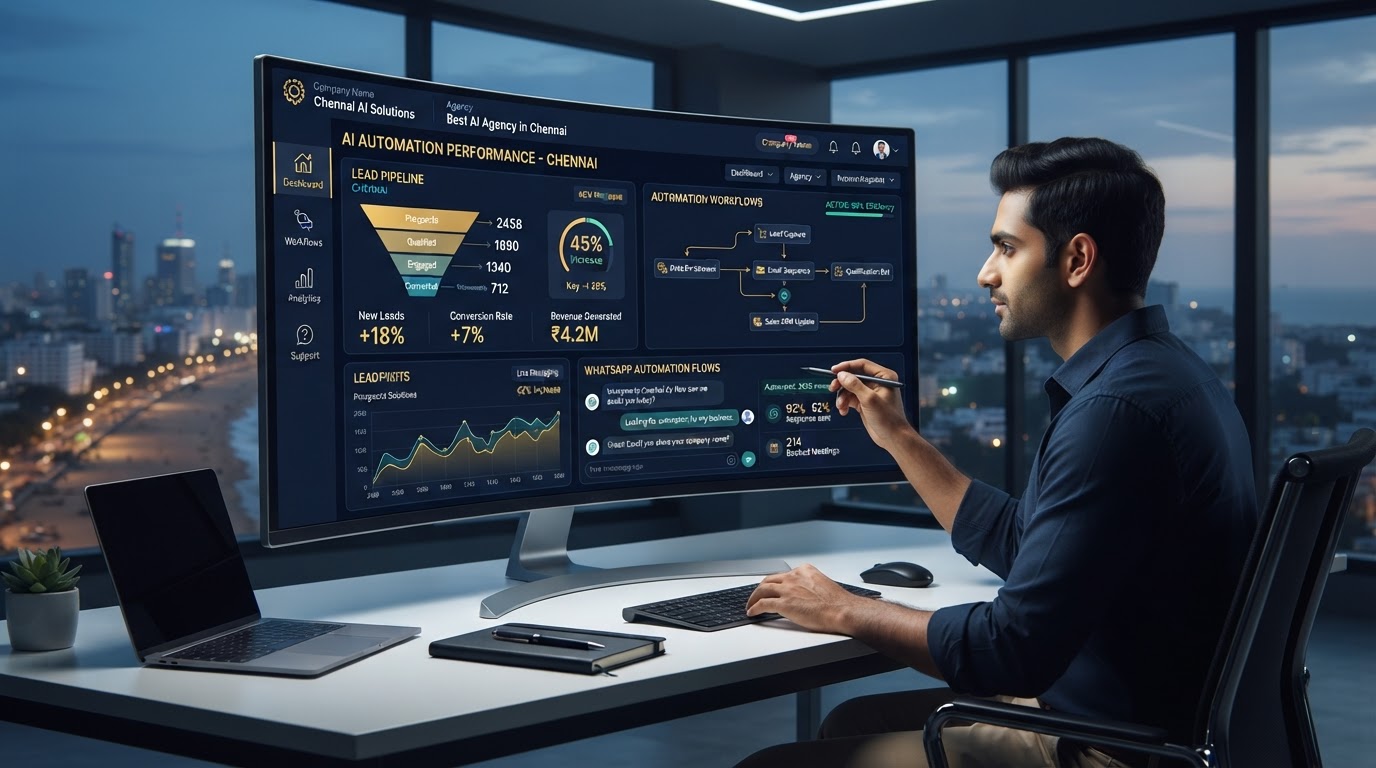
Best AI Automation Agency in Chennai: What to Look for Before You Sign Anything
Looking for the best AI automation agency in Chennai? Learn what to look for, what questions to ask, and how Revenue Mastery Consulting helps Chennai businesses automate lead follow-up, WhatsApp responses, and sales pipelines.

AI CRM vs Traditional CRM: What Tamil Nadu SMBs Need to Know in 2025
AI CRM vs traditional CRM — which is right for your Tamil Nadu business? See the full comparison and learn how RevMaxApp gives Tamil Nadu SMBs an AI-powered advantage.