How Do I Automate My Sales Pipeline?
By Avinash N.U., Founder & Chief Brand Strategist
•June 28, 2026
•10 min read
If you're asking how to automate your sales pipeline, you're probably watching good leads go cold because your follow-up is too slow, too inconsistent, or too dependent on your team remembering to act. Sales pipeline automation fixes exactly that — it makes sure every lead gets followed up instantly, every deal gets nurtured consistently, and no opportunity falls through the cracks without any additional manual effort from your team. This step-by-step guide shows you exactly how to automate your sales pipeline, what tools and strategies work, and how businesses using AI-powered pipeline automation are closing significantly more deals with the same — or smaller — sales teams.
Why Your Sales Pipeline Needs Automation Right Now
Before getting into the how, understand what manual pipeline management is actually costing you.
A lead that doesn't get followed up within 5 minutes is 21x less likely to convert than one that does.
78% of customers hire the company that responds first when comparison-shopping between service providers.
The average sales rep spends only 28% of their time actually selling — the rest goes to administrative tasks, CRM updates, email writing, and scheduling.
Automating the administrative and follow-up components of the sales process doesn't just save time — it directly increases revenue by ensuring faster response, more consistent nurturing, and zero dropped leads.
According to McKinsey's 2025 SMB Sales Effectiveness study, small businesses implementing automated lead follow-up see an average 42% increase in lead-to-appointment conversion rates within 90 days.
Companies using CRM automation see a 300% increase in deal closure rates versus manual pipeline management.
What "Sales Pipeline Automation" Actually Means
Sales pipeline automation means using software and AI to handle the repetitive, rule-based, and time-sensitive tasks in your sales process — so your team focuses only on what requires human judgment and relationship-building.
A fully automated sales pipeline handles:
- Lead capture — automatically receiving leads from every source
- Lead response — instant, personalized follow-up within seconds
- Lead qualification — sorting and scoring leads based on behavior and intent
- Nurture sequences — consistent multi-touch follow-up over days and weeks
- Pipeline stage management — moving deals forward based on actions
- Appointment booking — letting qualified leads self-schedule without back-and-forth
- Deal tracking — real-time visibility into every deal's status
- Re-engagement — automated outreach to cold or stalled deals
- Reporting — automatic performance dashboards without manual pulling
Step-by-Step: How to Automate Your Sales Pipeline
Step 1: Map Your Current Sales Process
Before automating anything, document every step in your current sales process — from the moment a lead first makes contact to the moment a deal is closed (or lost).
For each step, note:
- Who does it currently
- How long it takes
- What triggers it (what needs to happen for this step to begin)
- What the output is (what needs to be true for this step to be complete)
Process Street's 2024 Automation Benchmark found companies that document processes before automating hit ROI 2.3x faster. This step is non-negotiable.
Step 2: Consolidate Your Lead Sources Into One System
Most businesses receive leads from multiple sources — website forms, Facebook Ads, Google Ads, phone calls, referrals, walk-ins, and trade shows. For pipeline automation to work, every lead from every source must land in a single CRM.
Set up direct integrations from every lead source to your CRM:
- Website contact forms → CRM
- Facebook/Instagram Lead Ads → CRM
- Google Ads leads → CRM
- Phone inquiries → CRM (via missed call SMS automation)
- Referral submissions → CRM
Once every lead flows into one system, automation can respond to every single one instantly — regardless of source.
Step 3: Automate Immediate Lead Response (The Most Important Step)
This is the highest-impact automation in your entire pipeline. The moment a lead enters your CRM, an automated response should go out within 30–60 seconds.
Companies that respond to leads within 5 minutes are 100x more likely to make contact versus those that respond within 30 minutes. Businesses implementing AI call automation report 40–60% increases in lead capture rate, primarily by responding to missed calls within 30 seconds via automated SMS.
What your instant response should include:
- Acknowledge their inquiry by name
- Reference the specific service or product they expressed interest in
- Offer a clear next step (book a call, reply to this message, answer a qualifying question)
- Be conversational — not a template that screams "automated"
Channels for instant response: SMS (highest open and response rates), email, or both simultaneously.
Step 4: Build Your Lead Qualification Sequence
Not every lead is ready to buy. Your automation should sort qualified leads from unqualified ones without human intervention, using a structured qualification sequence.
A typical automated qualification sequence:
- Day 0 (instant): Initial response with engagement question
- Day 1: Follow-up if no response, different angle
- Day 2: Value-add message (case study, key benefit, FAQ answer)
- Day 3: Direct ask — "Are you still looking for [service]?"
- Day 5: Final check-in before moving to long-term nurture
- Day 7+: Move to nurture sequence (weekly or bi-weekly touch)
Use behavioral triggers to move leads between sequences based on their actions: opened email → move to hot lead sequence. Clicked pricing page → notify sales rep immediately. Booked a call → move to appointment confirmed sequence. No engagement after 7 days → move to re-engagement sequence.
Step 5: Automate Appointment Booking
Once a lead is qualified and interested, the most common drop-off point is the back-and-forth of scheduling. Eliminate it entirely.
Embed a direct booking link in your qualification sequence. When a lead is ready, they click and book directly — your calendar updates automatically, a confirmation message fires instantly, and reminder sequences begin without any manual input.
This single automation — eliminating manual scheduling from the qualification-to-call process — typically recovers 3–6 hours per week for sales-focused businesses.
Step 6: Automate Your Post-Meeting Nurture
After a sales call or demo, consistent follow-up is critical. Most businesses drop the ball here — a few emails, then silence.
Automate your post-meeting sequence:
- Day 0 (same day): Thank you + meeting summary/proposal
- Day 2: Check-in — "Any questions on the proposal?"
- Day 5: Value-add — customer testimonial or case study
- Day 10: Gentle follow-up — "Still considering [service]?"
- Day 20: Re-engagement — "Anything change with your needs?"
- Day 45+: Long-term nurture — monthly value-add content
Step 7: Automate Pipeline Stage Management
Your CRM should move deals between pipeline stages automatically — not wait for a sales rep to manually update it.
Set up automation rules for stage transitions:
- Lead books a call → move to "Appointment Booked"
- Proposal sent → move to "Proposal Sent," start follow-up sequence
- Proposal follow-up opened 3 times → alert sales rep, move to "Hot"
- No activity for 21 days → move to "Stalled," start re-engagement
- Invoice sent and paid → move to "Won," start onboarding sequence
Step 8: Automate Re-Engagement of Stalled and Cold Deals
Most businesses ignore deals that go cold. Automated re-engagement sequences recover a significant percentage of leads that seemed lost.
Schedule quarterly automated re-engagement touches to your cold lead database:
- Seasonal offers
- New service announcements
- Industry insights that are relevant to their original inquiry
- Direct "Checking in — are you still looking for [service]?" messages
According to HubSpot's 2025 CRM and Sales Automation Report, businesses using automated re-engagement sequences recover 14–22% of cold leads.
Step 9: Build Your Reporting Dashboard
Automate your pipeline reporting so leadership always has real-time visibility without manually pulling data.
Key metrics to track automatically:
- New leads by source (weekly)
- Lead-to-appointment conversion rate
- Appointment-to-proposal rate
- Proposal-to-close rate
- Average deal cycle length
- Revenue in pipeline by stage
Sales Pipeline Automation Results: What to Expect
| Metric | Before Automation | After Automation | Improvement |
|---|---|---|---|
| Lead response time | 2–24 hours | Under 60 seconds | 99%+ faster |
| Lead-to-appointment rate | 8–15% | 20–35% | 42–100% increase |
| Deal closure rate | Baseline | 300% increase | Per McKinsey |
| Admin time per rep | 72% of day | 40% of day | 32% recovered |
| Cold lead recovery | Near zero | 14–22% recovered | Per HubSpot |
FAQ: How Do I Automate My Sales Pipeline?
Q: Can I automate my sales pipeline without a CRM?
A: Not effectively. A CRM is the foundation of pipeline automation — it's where all lead data lives and where automation rules are triggered. If you don't have a CRM yet, implementing one is your first step.
Q: Will automated follow-up feel impersonal to my leads?
A: Only if it's done badly. Well-crafted automated messages use personalization fields (first name, company, service interest), conversational tone, and behavioral triggers to feel relevant and timely. Most leads cannot tell the difference between a well-written automated message and a manually sent one.
Q: How many follow-up messages is too many?
A: Research consistently shows that most deals require 5–12 touchpoints before closing. Most businesses stop at 2–3. Automated sequences ensure you complete the full nurture cycle without your team burning out on manual follow-up.
Q: What's the most important sales automation to implement first?
A: Instant lead response — without question. Responding to new leads within 60 seconds via SMS or email is the single highest-ROI automation a sales-driven business can implement.
Q: Can I automate different follow-up sequences for different lead sources?
A: Yes — and you should. A lead from a Google Ads campaign has different context and intent than a referral from an existing client. Tailor your sequences to the source and the expressed interest for significantly higher conversion rates.
Stop Losing Deals to Slow Follow-Up
At Revenue Mastery Consulting, we build end-to-end sales pipeline automations through RevMax AI — from the moment a lead first makes contact to the moment they become a paying customer. Our systems respond in seconds, qualify intelligently, and nurture consistently — without adding headcount to your sales team.
Book a free sales pipeline audit with Revenue Mastery Consulting — we'll map your current pipeline, identify every drop-off point, and show you exactly how automation can recover the leads and deals you're currently losing.
Related Articles
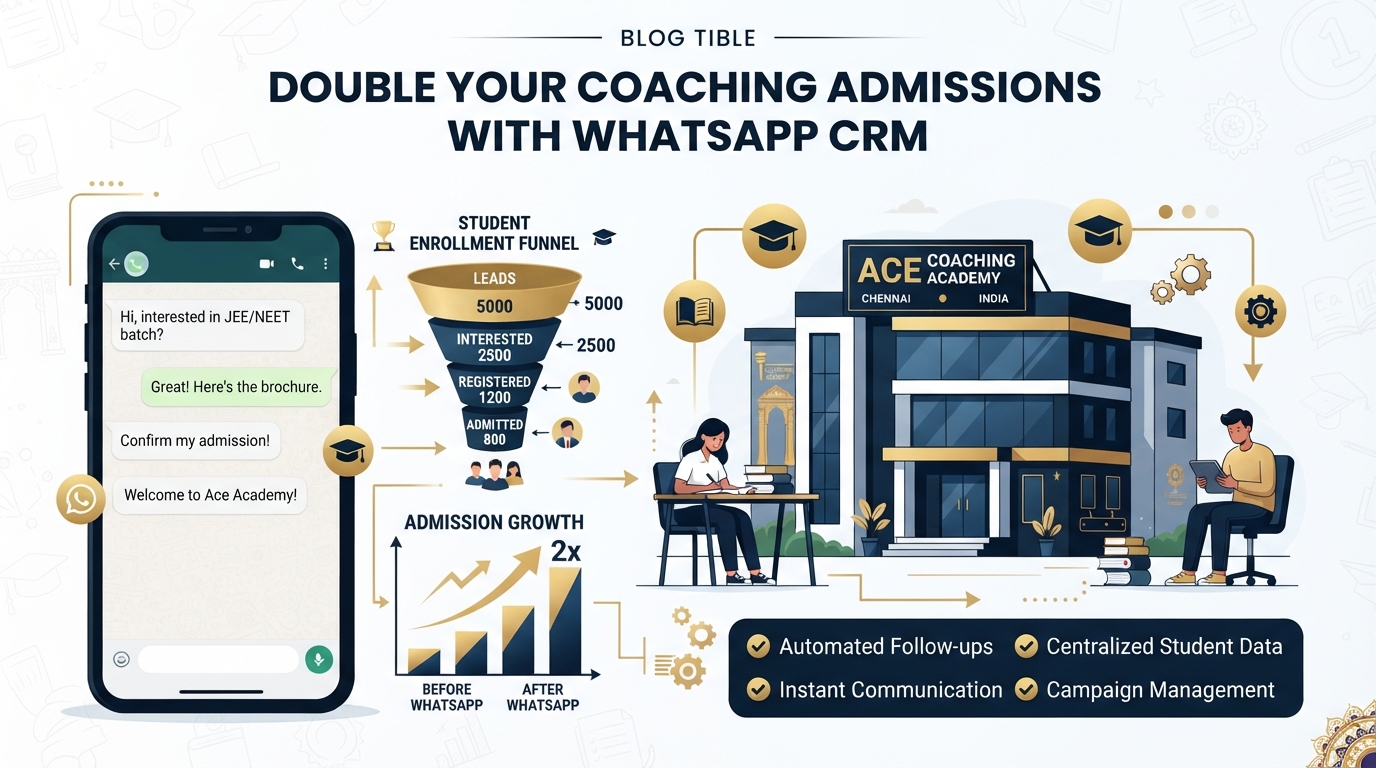
How Coaching Centres in Chennai Can Double Admissions Using WhatsApp CRM
Chennai coaching centres are losing 60–70% of enquiries to slow response and missed follow-up. Learn how WhatsApp CRM doubles admissions without hiring more counsellors.
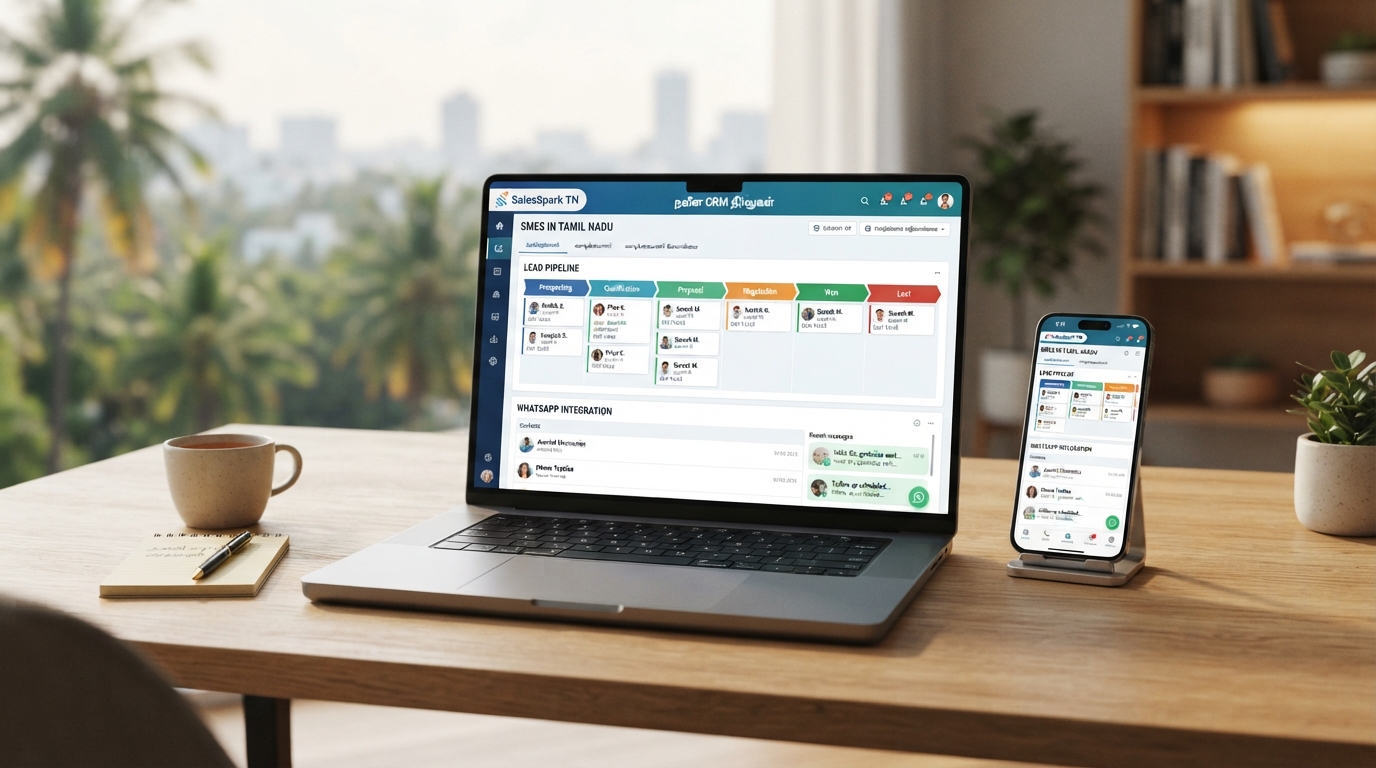
Best CRM for Tamil Nadu Small Businesses in 2026: Honest Buyer's Guide
Looking for the best CRM for your Tamil Nadu small business in 2026? This guide explains what to look for, what to avoid, and which features actually generate revenue in the Indian market.

How to Scale Your Indian Business Without Hiring More People
Every Indian SMB founder hits the same wall: growth requires more people, more people cost more money, and margins stay flat. This 2026 guide shows exactly how to scale your business with AI — without adding to your payroll.