What Business Tasks Can AI Automation Handle?
By Avinash N.U., Founder & Chief Brand Strategist
•June 25, 2026
•8 min read
If you're exploring what business tasks AI automation can handle, you're asking the right question at the right time. AI automation is no longer a tool reserved for tech companies or Fortune 500 enterprises. In 2025–2026, businesses of every size — service providers, retailers, agencies, healthcare practices, real estate firms, and more — are automating dozens of tasks that once required full-time human attention. This guide gives you a practical, category-by-category breakdown of what AI automation can handle, what it can't, and where your business is most likely to benefit immediately.
The Short Answer: What Can AI Automation Do?
AI automation can handle any business task that is:
- Repetitive — follows the same steps every time
- Rule-based — has clear conditions and outcomes
- High volume — happens frequently enough to justify automation
- Data-driven — involves moving, transforming, or responding to information
- Time-sensitive — where speed of response directly affects outcomes
78% of organizations use AI in at least one business function in 2025, up from 55% in 2023 — a 42% increase.
88% of organizations use AI automation in at least one business function as of 2025.
Let's break down exactly which tasks fall into these categories.
12 Categories of Business Tasks AI Automation Can Handle
1. Lead Follow-Up and Customer Communication
This is where most businesses see the fastest ROI from automation. AI can:
- Respond to new leads within seconds via SMS, email, or chat
- Send personalized follow-up sequences over days or weeks
- Re-engage cold or inactive leads automatically
- Notify your sales team when a lead takes a specific action (opens email, clicks a link, books a call)
Businesses implementing AI call automation report 40–60% increases in lead capture rate, primarily by responding to missed calls within 30 seconds via automated SMS.
According to McKinsey's 2025 SMB Sales Effectiveness study, small businesses implementing automated lead follow-up see an average 42% increase in lead-to-appointment conversion rates within 90 days.
2. Appointment Scheduling and Reminders
Manual scheduling is a major time drain for service businesses. AI automation can:
- Let customers book appointments directly through your website or via SMS
- Send automated confirmation messages and calendar invites
- Send reminders 24 hours and 2 hours before appointments
- Handle reschedules and cancellations automatically
- Fill last-minute cancellations from a waitlist
Manual appointment scheduling is a 3–5 hour per week drain for most service-based small businesses. Phone tag with prospects, calendar management, reminder calls, and reschedule coordination add up to a part-time job.
3. Invoice Creation, Payment Reminders, and Collections
Finance and billing processes are ideal automation candidates. AI can:
- Generate invoices automatically when a job or service is completed
- Send payment reminders at pre-set intervals (day 1, day 7, day 14, day 30)
- Accept and reconcile payments automatically
- Flag overdue invoices and escalate to collections sequences
- Sync payments with your accounting software
Small business clients report average invoice payment time dropping from 38 days to 12 days after implementing automated payment follow-up sequences.
4. Customer Onboarding
Onboarding a new client or customer involves many consistent, repeatable steps. AI handles:
- Sending welcome emails and introductory sequences
- Delivering onboarding documents, contracts, or intake forms automatically
- Triggering internal tasks when a new client is signed
- Checking in at day 3, day 7, and day 14 to ensure client satisfaction
- Requesting reviews or testimonials at the right moment
5. CRM Data Entry and Updates
Manual CRM updates are one of the most common time-wasters in any sales operation. AI can:
- Automatically create or update contact records when a form is filled or a call happens
- Log emails, calls, and meetings to the correct contact record
- Tag leads based on behavior (viewed pricing page, clicked a specific link)
- Move deals through pipeline stages based on triggers and conditions
- Assign leads to the right team member based on territory, source, or type
The highest time-saving workflows include data entry and CRM updates alongside customer communication, scheduling, invoice reminders, and review requests.
6. Marketing Campaigns: Email, SMS, and Social Media
AI automation manages entire marketing sequences without human involvement:
- Triggered email campaigns based on customer actions
- SMS campaigns for promotions, updates, and re-engagement
- Social media post scheduling and publishing
- A/B testing of subject lines and messages
- Audience segmentation based on behavior
Automated emails generate 320% more revenue than non-automated campaigns — the same message, sent at the right moment, outperforms manual sending by 3x.
On the marketing front, 51% of companies opted for automation, with 80% stating it improved their lead generation activities. On the sales side, automation enhances productivity by 14.5%, decreases marketing costs by 12.2%, and increases conversions by 200%.
7. Customer Service and Support
Customer service leads AI automation adoption at 56% of businesses. AI handles 30% of customer interactions today, projected to reach 50% by 2027. The cost economics are compelling — AI handles interactions at $0.50 to $0.70 per conversation versus $6 to $8 for human agents.
AI handles:
- Answering frequently asked questions 24/7
- Routing complex issues to the right team member
- Processing returns, cancellations, or status inquiries
- Sending post-interaction surveys
- Resolving support tickets for common issues
AI handled 65% of incoming support queries without human intervention in 2025, up from 52% in 2023 — a 25% improvement in two years.
8. Sales Pipeline Management
AI automation keeps your sales pipeline moving without constant manual intervention:
- Moving leads from stage to stage based on activity or inactivity
- Alerting sales reps to follow up on specific deals
- Sending proposals, pricing, or case studies automatically after a demo
- Scoring leads based on engagement and qualification
- Re-engaging stalled deals with automated nudge sequences
9. HR and Employee Onboarding
Implementing automated onboarding systems can cut HR processing time by over 60%, according to McKinsey.
AI automation in HR handles:
- Sending new hire paperwork and checklists automatically
- Scheduling onboarding meetings and training sessions
- Collecting signatures on contracts and policies
- Delivering role-specific training content in sequence
- Notifying managers at each onboarding milestone
10. Reporting and Business Intelligence
Instead of manually pulling reports every week, AI automation can:
- Generate weekly or monthly performance reports automatically
- Send dashboard summaries to leadership by email
- Flag anomalies in key metrics (lead volume drops, conversion rate falls)
- Combine data from multiple tools into a single clear report
38% of businesses cut compliance task time by over 50% using AI.
11. Review and Reputation Management
Collecting reviews manually is inconsistent and time-consuming. AI automation can:
- Send review request messages via SMS or email at the optimal post-service moment
- Route negative feedback to an internal resolution process before it becomes a public review
- Respond to reviews using templated, personalized responses
- Monitor review scores and alert the team to trends
12. Missed Call Recovery
Every missed call is a potential missed customer. AI can:
- Detect a missed call and send an automated SMS to the caller within seconds
- Start a follow-up conversation to capture their inquiry
- Route hot leads to available team members immediately
AI handled 65% of incoming support queries without human intervention in 2025.
What AI Automation Cannot Handle (Yet)
Transparency matters. AI automation works best for structured, repeatable tasks — but it is not a replacement for:
- Strategic decision-making based on complex judgment
- Building deep client relationships that require emotional intelligence
- Creative problem-solving in novel or ambiguous situations
- High-stakes negotiations
- Ethical judgment calls
Talkdesk research found 9 out of 10 small businesses using AI planned to keep or grow their human service teams. Zapier's 2025 enterprise survey found "human-in-the-loop" — where AI handles routine tasks but humans review key decisions — is the most popular approach (38% of organizations).
The goal of automation is not to replace people. It's to free them from repetitive work so they can focus on what only humans can do.
Which Tasks Should You Automate First?
Focus on "Automation Sweet Spots" — processes that are repetitive and rule-based, high volume, prone to human error, involve data transfer between systems, require no complex decision-making, and are currently frustrating employees.
For most businesses, the best starting points are:
- Lead follow-up — immediate revenue impact
- Appointment reminders — reduce no-shows
- Invoice reminders — improve cash flow
- Review requests — build online reputation
- Customer onboarding — improve retention
FAQ: What Business Tasks Can AI Automation Handle?
Q: Can AI automation handle customer-facing communication?
A: Yes. AI can send personalized SMS, emails, and chat messages — and even conduct back-and-forth conversations to qualify leads and book appointments, automatically.
Q: Do I need to be technical to implement AI automation?
A: Not anymore. No-code tools dominate. Technical barriers have been eliminated. Visual, drag-and-drop interfaces replaced complex coding requirements. Small business owners without technical backgrounds now implement sophisticated automation in hours, not months.
Q: What's the most common first automation businesses implement?
A: Lead follow-up and appointment reminders — because they have immediate revenue impact and are easy to set up with the right partner.
Q: Can AI automation integrate with the software I already use?
A: In most cases, yes. Modern automation platforms connect with CRMs, email tools, calendars, accounting software, and communication platforms out of the box.
Ready to Find Out Which Tasks in Your Business Should Be Automated First?
At Revenue Mastery Consulting, we start every client engagement with a workflow audit — mapping where your team's time is going and identifying the highest-impact automation opportunities. We've helped businesses across multiple industries implement RevMax AI to automate their most time-consuming, repetitive workflows.
Book a free workflow audit with Revenue Mastery Consulting — and find out exactly which tasks in your business are ready to be automated today.
Related Articles
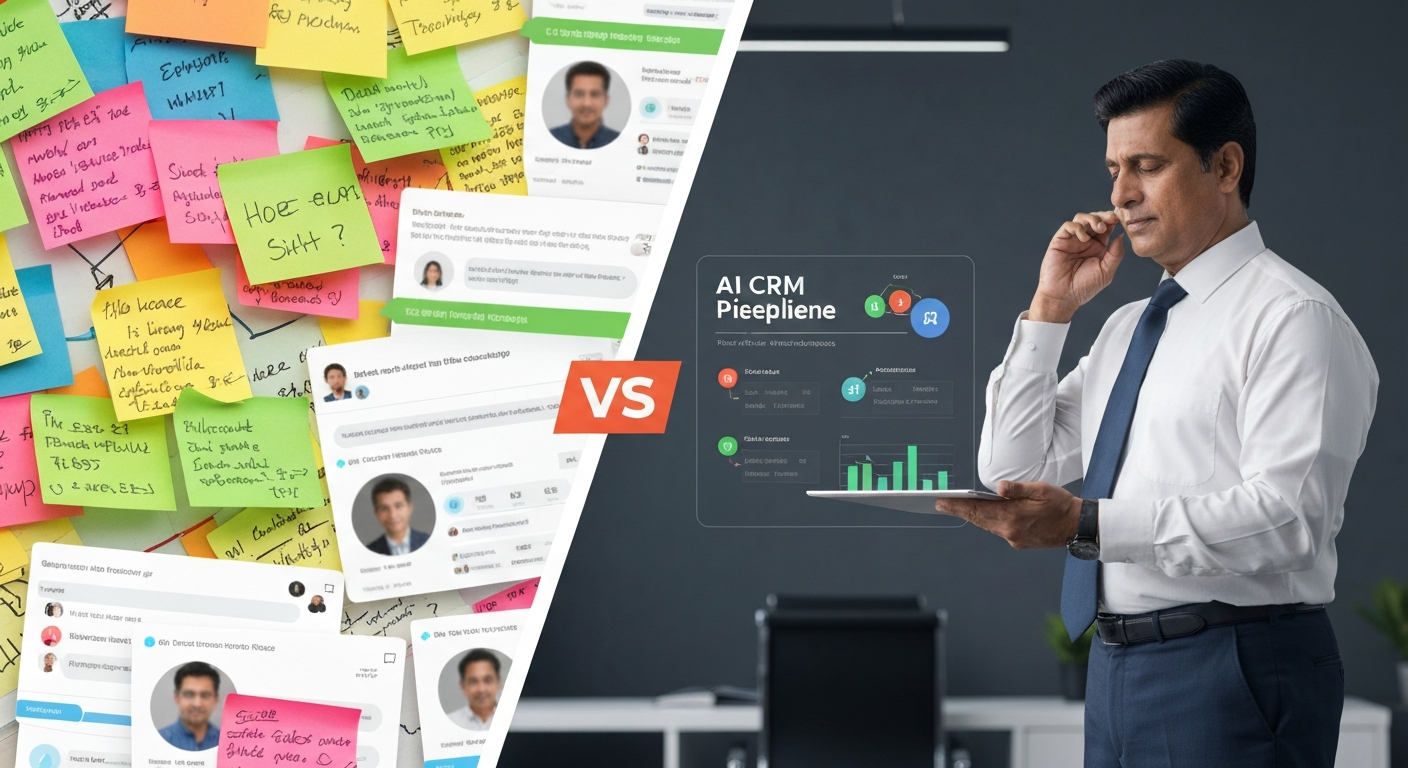
When Should a Business Start Using an AI CRM Like RevMax?
Still managing leads on WhatsApp and sticky notes? Here's exactly when a business needs an AI CRM — the warning signs, the real cost of waiting, and what to look for when you're ready.
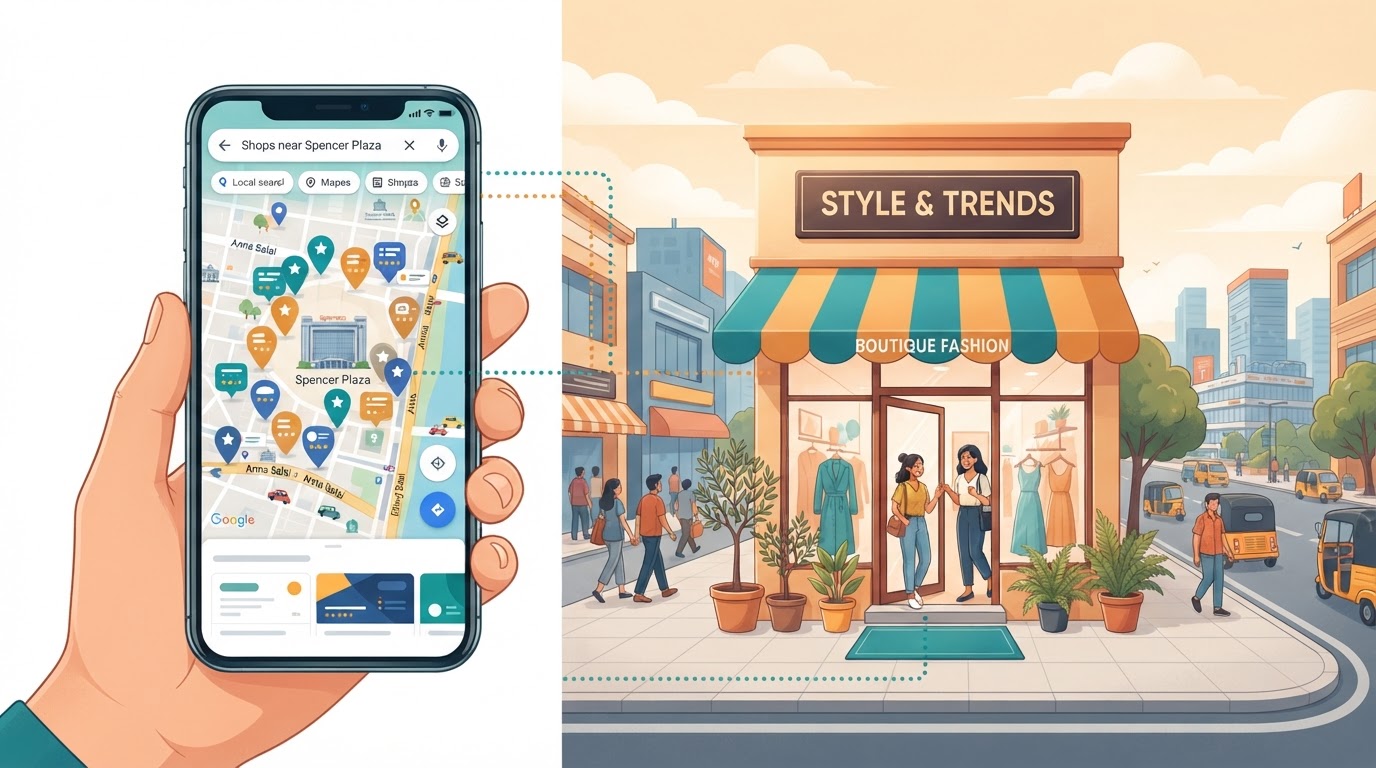
Digital Marketing Agency Spencer Plaza Chennai: Win Walk-Ins
Shop or service near Spencer Plaza, Chennai? See how local search, Google Maps and WhatsApp follow-up can turn searches into walk-in customers.
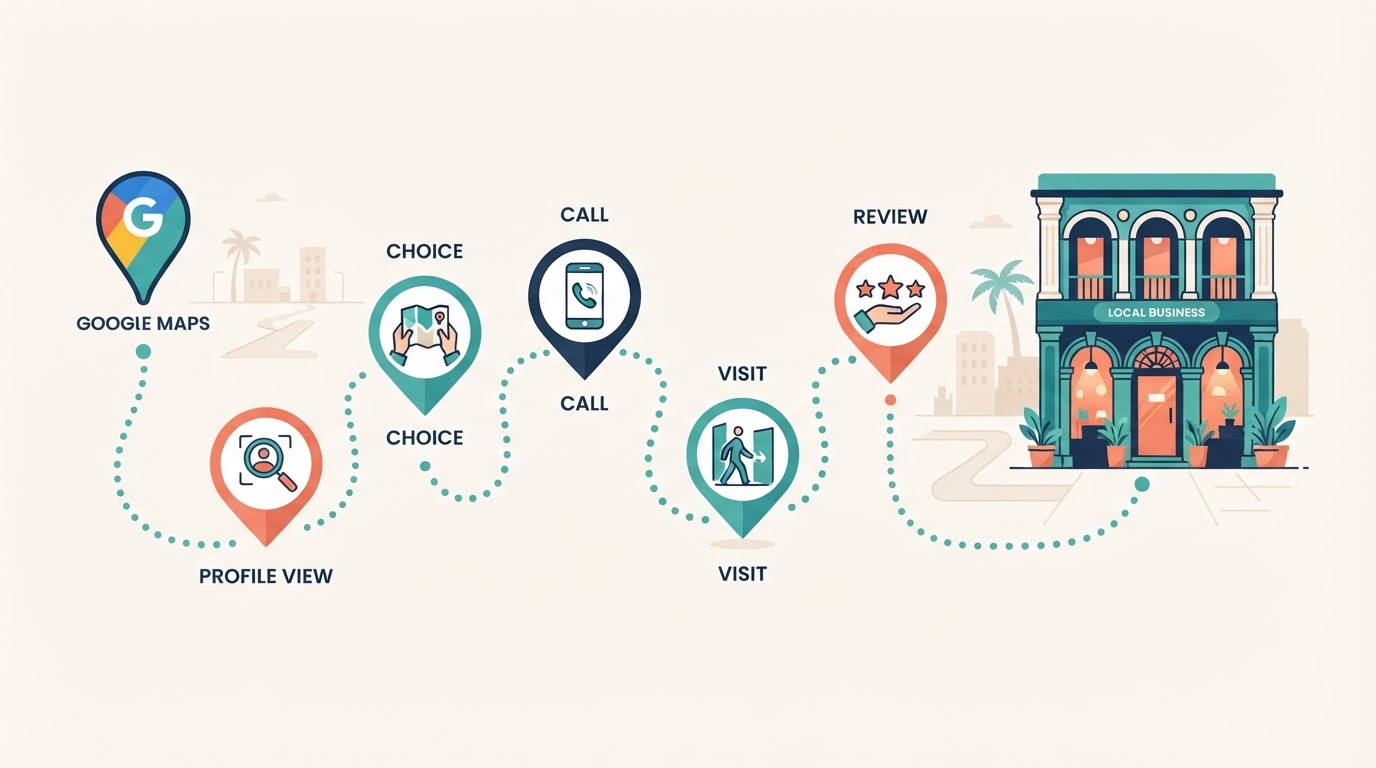
Google Maps to Sale: The Customer Journey After the Click (Chennai)
Someone found you on Google Maps. Then what? Follow the five moments after the click where Chennai businesses lose the sale — from profile view to review — and how to fix each one.